What you need:
- A desktop printer
- A printer power cable
- A printer-to-USB cable
How to Set Up a New Printer for the First Time
- Plug the printer into the wall outlet using the power cable.
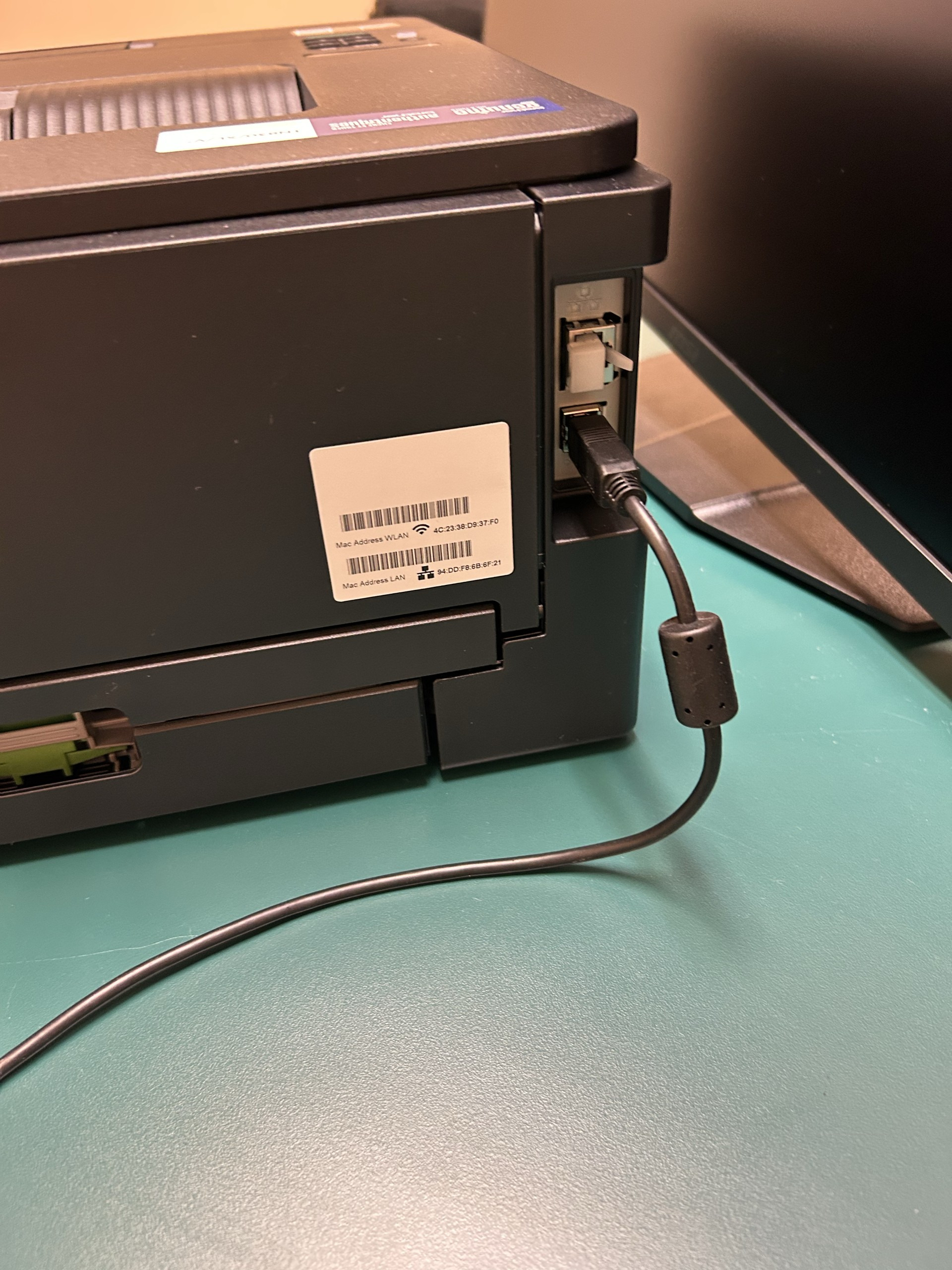
- Plug in the printer end of the USB-cable into the back of the printer as shown below. Plug the other end into the laptop.
- Navigate to Settings -> Bluetooth & Devices -> Printers & Scanners. The printer should automatically appear in the list of available printers. If the printer does not appear in the list, Submit a Ticket for assistance.
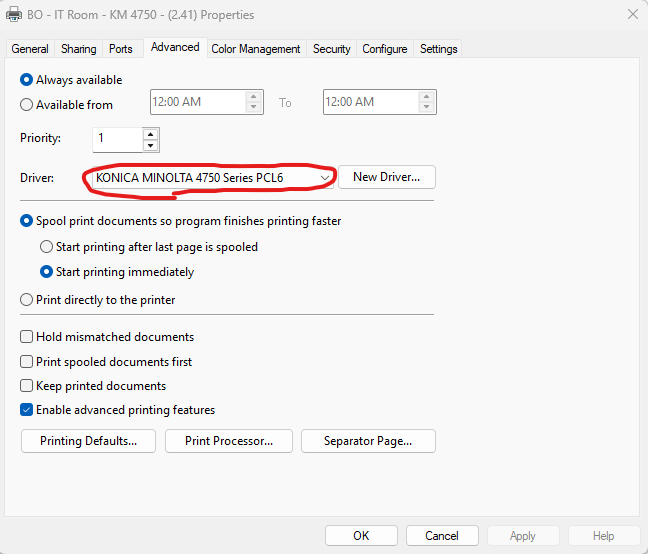
- To ensure that the correct software is installed for the printer, click into the printer and select Printer Properties and go to the Advanced tab. Ensure that the driver shown in the drop down menu matches the model of the printer as shown below. Submit a Ticket if the driver does not match the model of your printer as this will cause issues when printing.